
Manually Creating a Per-User or Global Wireless Network

1. If you use the Add button in the Manage Wireless Networks screen, you can manually choose between per-user or global, which could be useful since the default is now per-user.

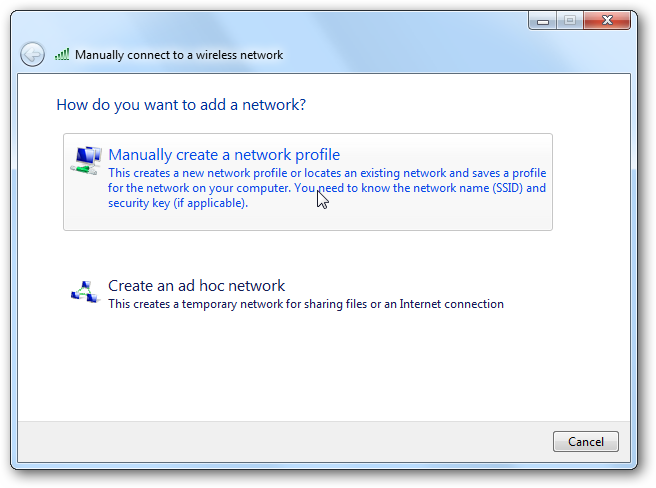
2. Click the option that says Manually create a network profile.
3. And now you’re at the screen where you can manually fill out all the details, and you can also choose to create it per-user, or for everybody.

Leave a Reply