
Display a Message at Start Up


At the time of Windows boot up a popup message can be added which contains any message you wish to display. In many organizations there a display of a message to display instructions or policies of Organization etc. in Windows, whenever you boot it.
Here is how to do it:
- Open Registry Editor (Go to Start Run type Regedit & press enter)
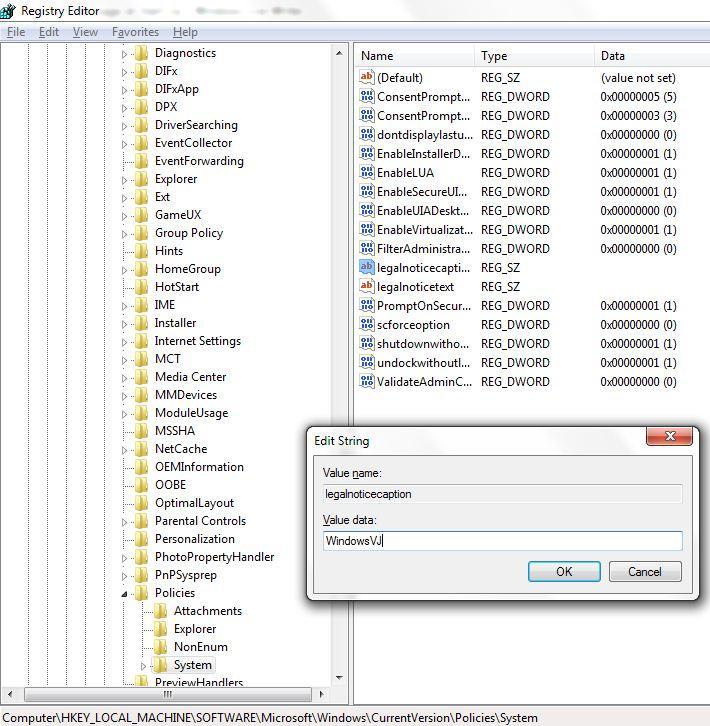
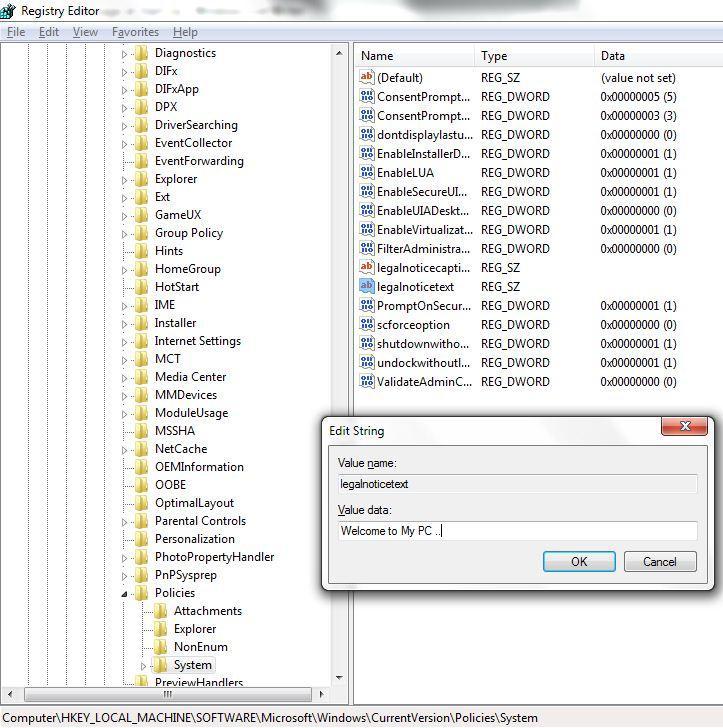
- Navigate to : HKEY_LOCAL_MACHINE\SOFTWARE\Microsoft\Windows\CurrentVersion\Policies\System
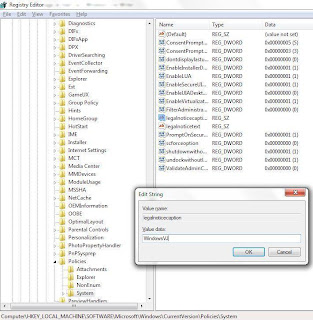
- In the Right Side pane select & open LegalNoticeCaption and enter a value that you want to see in the Menu Bar.
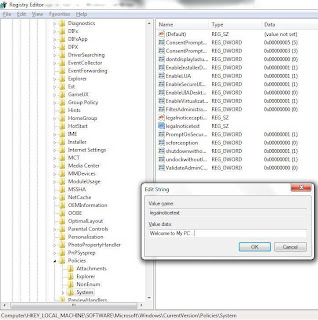
- Next to it open LegalNoticeText and insert the message you want to display each time Windows boots.
- Close Registry & Restart for changes to take effect.
Setting up Menu bar text using LegalNoticeCaption key:
Setting up Message to Display after computer Boots up using LegalNoticeText key:
This trick works with Windows 7 and earlier Versions of Windows as well.
Leave a Reply